
What Is a HEIC File? And Why It Matters for Your Photo Collection
During a recent photo organizing consult, a client shared her frustration after trying unsuccessfully to print photos from her iPhone using one of the widely advertised photo sites.
Everything looked fine on her phone, so what went wrong?
Within minutes of reviewing her settings, the issue became clear: many of her photos were saved as HEIC files, not JPEGs.
It’s a small detail that can cause big headaches, because not all platforms fully support this newer format.
As professional photo organizers, this is one of the most common questions we hear, especially from iPhone users:
“What is a .HEIC file, and why won’t it open, upload, print, or share the way I expected?”
If you’ve ever struggled to print or share photos from your phone, this could be the reason.
Let’s break it down in a simple, practical way so you can understand what HEIC files are, why your iPhone uses them, and what you can do about it.
What Is a HEIC File?
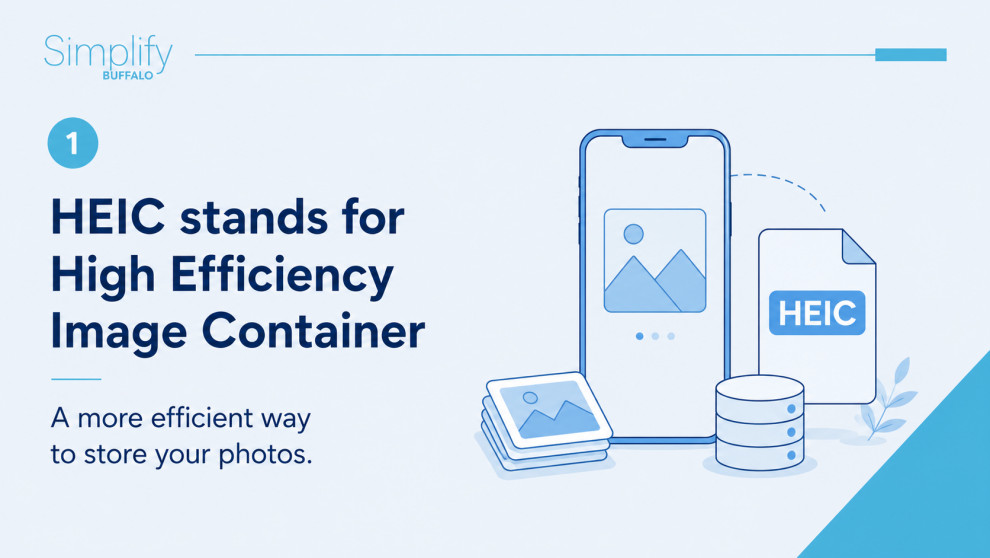
HEIC stands for High Efficiency Image Container—a newer image format used by Apple devices, such as iPhones and iPads. (Adobe)
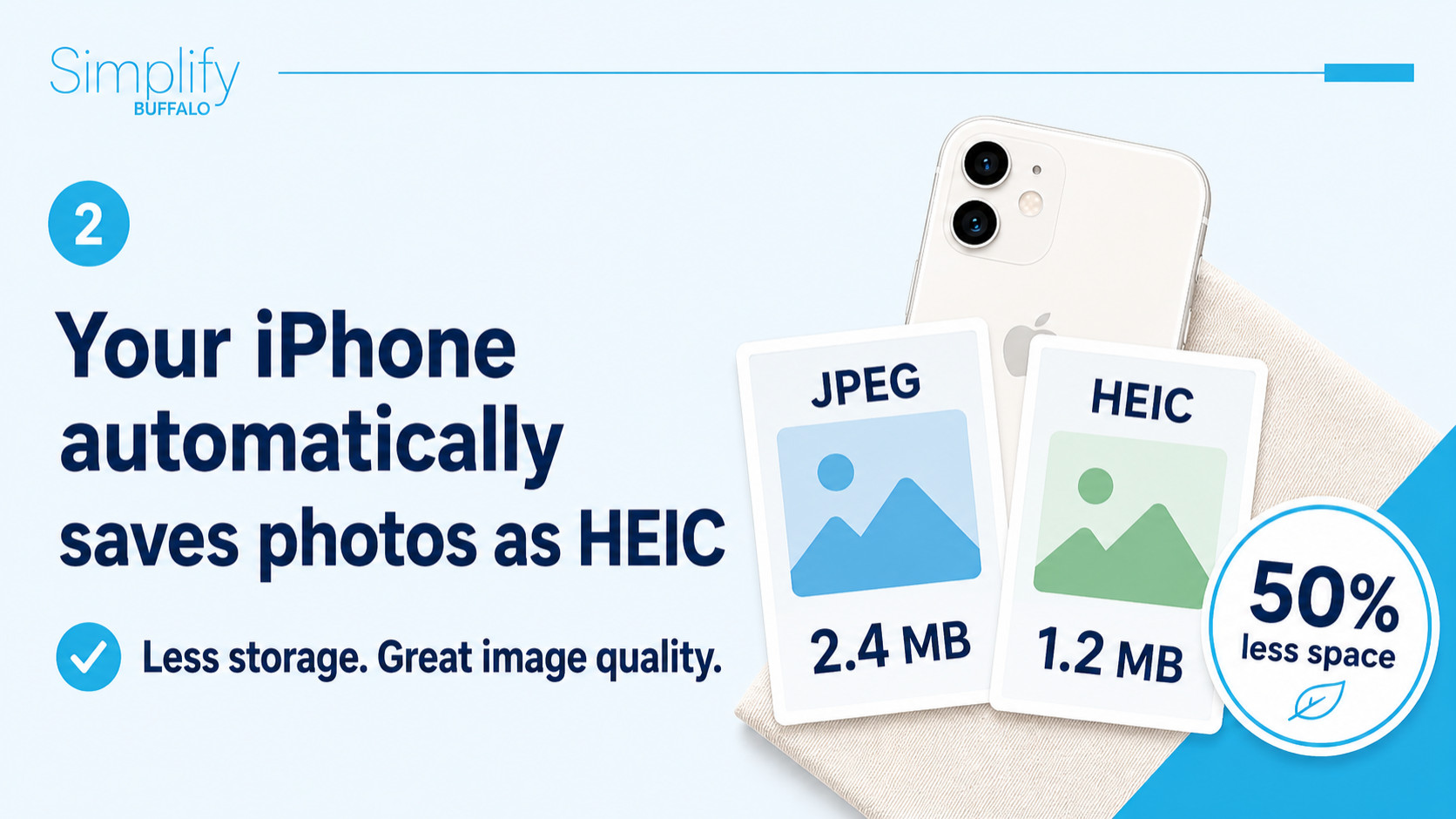
Apple introduced HEIC in 2017 to replace JPEG as the default photo format because it allows you to store high-quality images using significantly less space. (Medium)
In fact, HEIC files can be about half the size of a JPEG while maintaining similar—or even better—image quality. (Wikipedia)
Why Your iPhone Uses HEIC
If you’re using an iPhone, chances are your photos are automatically being saved as HEIC files.
Why?
Because they are:
- More efficient (takes up less storage than other file types)
- Higher quality for the file size
- Designed for modern photography (including Live Photos and advanced edits)
This is great for saving space on your phone—but it can create challenges when you go to use your photos elsewhere.
The Problem with HEIC Files
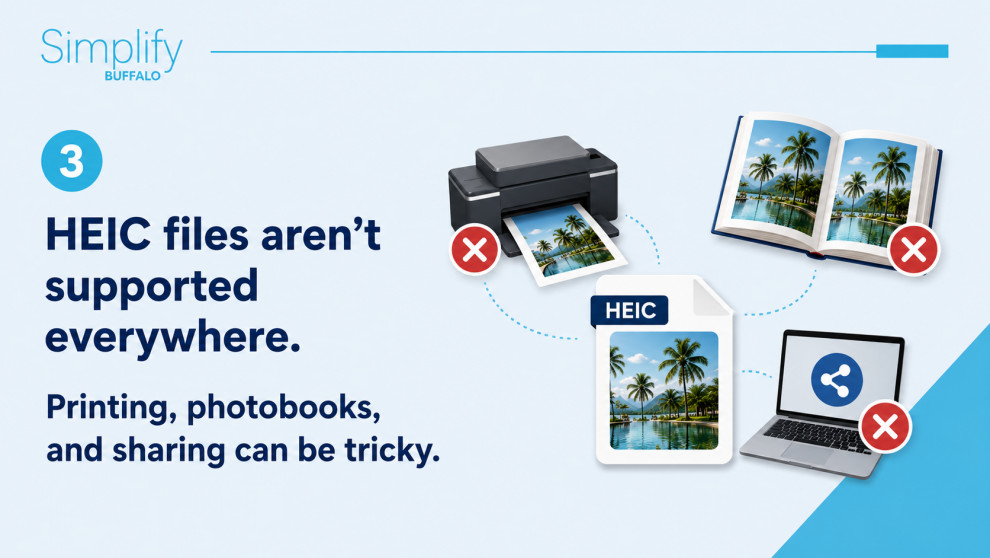
While HEIC is efficient, it’s not universally compatible.
You may run into issues when:
- Uploading photos to websites
- Sharing with someone using a non-Apple device
- Printing photos
- Opening images on older computers or software
This happens because JPEG is still the most widely accepted format, and HEIC hasn’t fully caught up in compatibility. (Adobe)
HEIC vs JPEG: What’s the Difference?
Here’s the simplest way to think about it:
- HEIC = smaller file, newer technology
- JPEG = larger file, universal compatibility
HEIC is often better for storage and quality, but JPEG is still the safest option when sharing or printing photos.
What Should You Do with HEIC Photos?
This is where strategy matters—especially if you care about preserving your photo collection long-term.
For everyday use:
HEIC is perfectly fine to keep on your phone.
For sharing or printing:
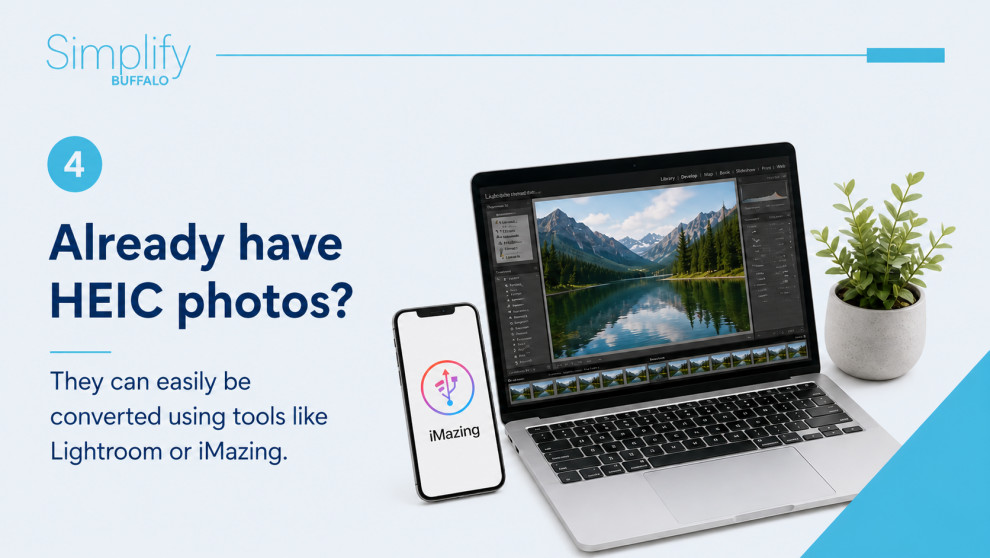
Convert HEIC files to JPEG before sending or uploading. Tools like Adobe Lightroom or iMazing can easily convert your images.
For long-term organization:
You want a system that ensures your photos are:
- Accessible across devices
- Easy to share with family
- Preserved in formats that won’t become obsolete
Pro Tip: Avoid Future Frustration
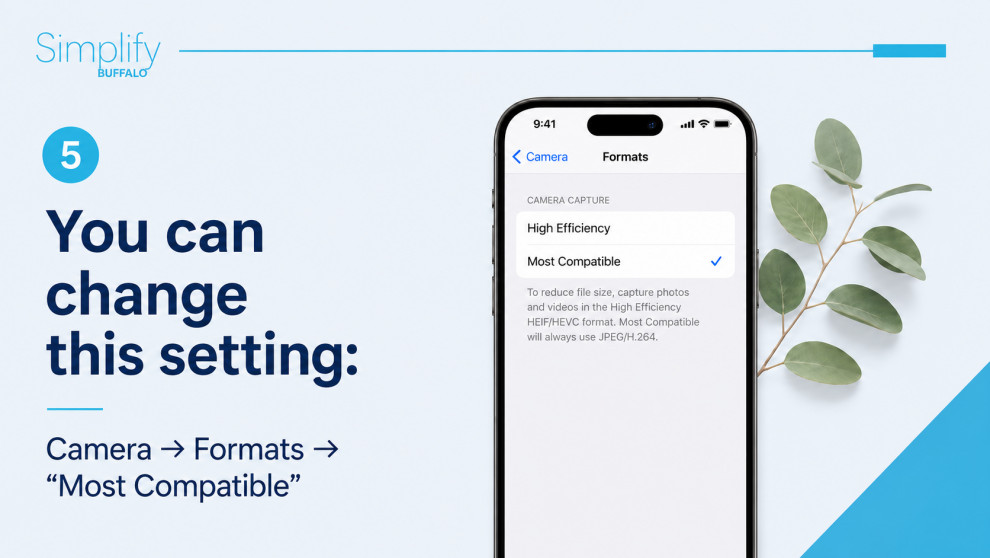
If HEIC files are causing issues, you can change your iPhone settings:
Settings → Camera → Formats → Most Compatible
This will save future photos as JPEG instead of HEIC.
Why This Matters for Your Legacy
Here’s the bigger picture…
Photo organizing isn’t just about decluttering—it’s about ensuring your memories are accessible, shareable, and preserved for future generations.
File formats like HEIC can become a hidden barrier if they aren’t managed properly.
Need Help Making Sense of Your Photos?
At Simplify Buffalo Photo Organizing, we help you:
- Organize both printed and digital photos
- Convert and standardize file formats
- Create systems that make your memories easy to enjoy and share
Because your photos shouldn’t live in confusion—they should tell your story.
Let’s simplify your photo collection—together.