26 Things You Can Do to Organize Your Photos in 2026
Our photos tell the story of our lives — family milestones, everyday moments, travels, and memories we never want to lose. Yet for most people, photos are scattered across phones, cloud accounts, hard drives, social media, and old boxes in closets.
If this is the year you want clarity instead of chaos, here are 26 realistic, doable steps to take to organize your photos in 2026 — whether you’re just getting started or finally ready to go deeper.
1. Commit to One Project a Month
Choose one month in 2026 to focus on photo organizing. Put it on your calendar like any other important appointment.
2. Gather Everything First
Before organizing, locate all your photos: phones, computers, cloud services, USB drives, external hard drives, albums, boxes, and frames.
3. Start With Your Phone
Your phone is likely your largest photo source. Begin where the volume is highest and the impact is immediate.
4. Back Up Before You Touch Anything
Always create a full backup before deleting or reorganizing. This is non-negotiable.
5. Delete Screenshots and Junk Photos
Remove screenshots, receipts, memes, duplicates, and accidental shots that don’t support your memories.
6. Use the Favorites Feature
Mark your best photos first. This helps you quickly identify what truly matters.
7. Create Year-Based Folders
Organize photos by year as your top-level structure. Simple systems are the easiest to maintain.
8. Then Add Events or Categories
Within each year, organize by events (Birthdays, Vacations, Holidays) or life categories (Family, Work, Home).
9. Rename Important Files
Rename key photos with meaningful names instead of random numbers (e.g.,
"20240704_Family_Picnic").
10. Identify the People in Your Photos
Use facial recognition tools or add names in metadata so future generations know who’s who.
11. Create a "Best of Each Year" Album
Select 20–50 photos that best represent each year. This becomes your legacy collection.
12. Print the Photos That Matter Most
Digital is convenient, but printed photos preserve stories when technology changes.
13. Scan Old Prints and Albums
Digitize aging photos before they fade or are damaged.
14. Label Physical Photos Immediately
Write names, dates, and locations on the back using archival-safe pens.
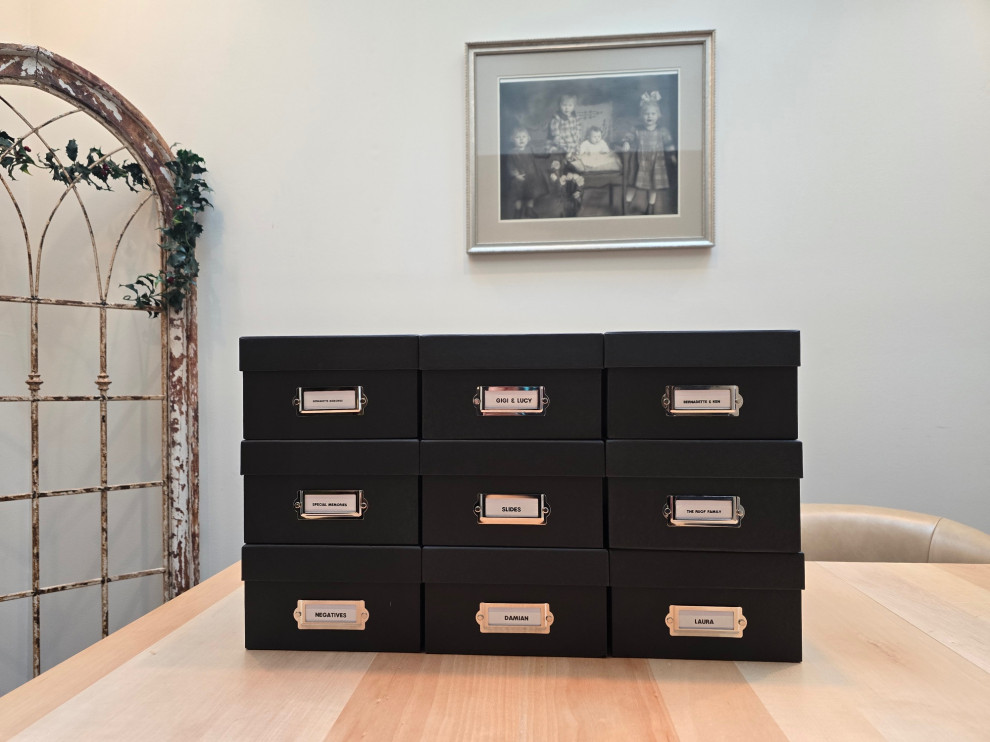
15. Use Archival Storage
Store printed photos in acid free boxes, albums, and sleeves to protect them long term.
16. Consolidate Cloud Storage
Limit yourself to one primary cloud photo location to avoid confusion and duplication.
17. Eliminate Duplicate Backups
Multiple backups are good — multiple unorganized backups are not.
18. Set a Monthly Maintenance Habit
Spend 15 minutes a month deleting junk and filing new photos.
19. Create Albums for Your Children or Grandchildren
Design separate collections that tell their story through the years.
20. Curate, Don’t Keep Everything
You don’t need 15 photos of the same moment. Choose the best and let the rest go.
21. Add Notes or Stories
Write short captions or notes explaining why a photo matters.
22. Protect Your Legacy Photos
Keep at least one offline backup stored in a safe location.
23. Share Organized Albums With Family
Sharing invites connection and ensures memories don’t live with just one person.
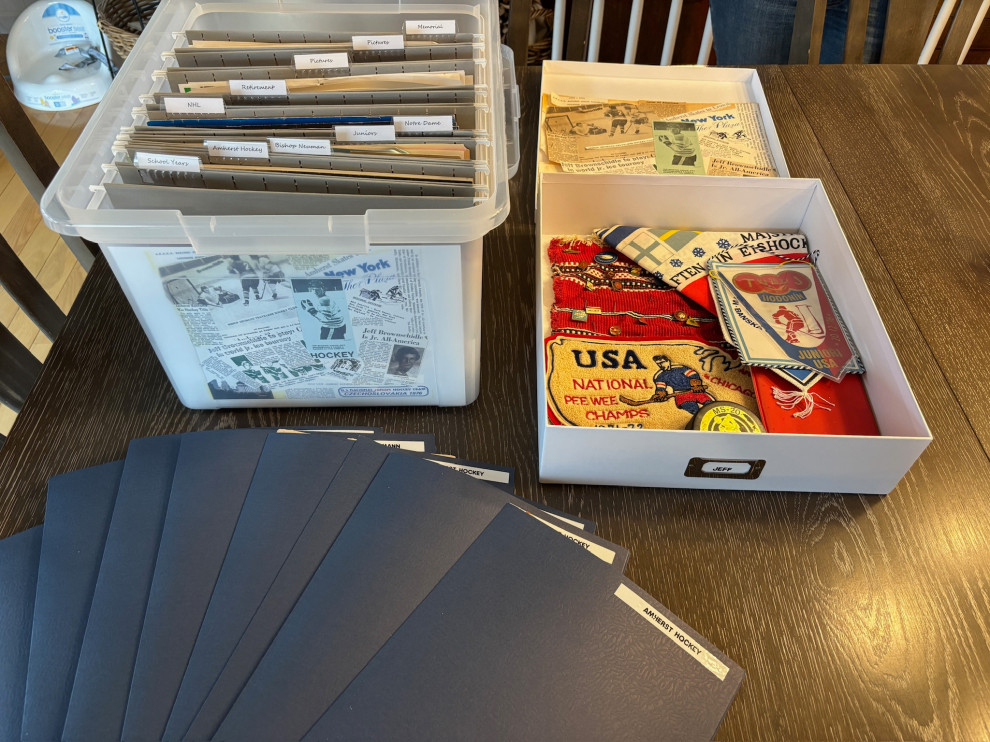
24. Create a Memory Box
Pair printed photos with keepsakes for a tangible, meaningful archive.
25. Ask for Help When It Feels Overwhelming
Photo organizing is emotional. Support makes the process lighter and faster.
26. Make 2026 the Year You Finish
Not perfect. Not Pinterest-worthy. Finished. Organized photos mean peace of mind.
If you’ve made it this far and thought, “This all makes sense, but I don’t have the time or energy to do it alone,” you’re not behind — you’re human. Many people start with the best intentions and quickly realize that guidance or support can make the difference between starting and actually finishing.
Bonus Tip: Know When to Call in Professional Help
If you’ve tried to start organizing your photos and keep getting stuck, overwhelmed, or emotional — that’s your sign.
You may want to work with a professional photo organizer if:
- Your photos are spread across multiple devices, cloud accounts, and physical boxes
- You’re afraid of deleting something important
- You don’t have the time (or desire) to learn the technical side
- The photos involve loved ones who have passed, and the process feels heavy
- You want it done correctly and efficiently, not over and over again
A professional can either work with you side by side or handle the organizing for you, giving you:
- A clear, easy-to-maintain system
- Proper backups and file naming
- Curated collections instead of digital clutter
- Peace of mind knowing your memories are protected
- Sometimes the most organized decision you can make is asking for help.
Final Thought
We all want to leave a meaningful legacy — not a digital mess. Organizing your photos in 2026 isn’t just about storage; it’s about honoring your memories and making them accessible for the people you love.
Whether you want to work alongside a professional or hand your photos off and have them fully organized for you, support can save you time, stress, and second-guessing. A clear system, proper backups, and thoughtfully curated collections allow you to enjoy your memories instead of managing them. If this feels like the year you’re ready to move from overwhelm to peace of mind, getting help may be the most organized decision you make.
Ready to get started? If you’d like help organizing your photos contact Simplify
Buffalo to schedule a consultation. Together, we’ll create a clear, lasting system that protects your memories and brings peace of mind.